Introducing G v1: Natural AI-Powered Speech with Multi-Speaker Dialogue
We're thrilled to introduce G v1 in simpleTTS.ai Studio — a brand-new text-to-speech engine our new AI-powered speech engine. G v1 brings a fundamentally different approach to speech synthesis: instead of just reading text aloud, it understands context, emotion, and intent to produce speech that sounds genuinely human.
This sits alongside our existing AZ v1 engine, giving you the freedom to choose the right tool for every project. Toggle between providers with a single click.
Why G v1?
Traditional TTS engines convert text to audio using predefined speech patterns. G v1 is different — it's built on a large language model that doesn't just know what to say, but how to say it. The result is speech with natural pacing, appropriate emphasis, and emotional nuance that adapts to your content.
G v1 supports 30 prebuilt voices across 24 languages, with enhanced expressivity, context-aware pacing, and native multi-speaker dialogue — all controllable through natural language prompts rather than complex configuration.
Key Features
30 Expressive Voices
Choose from 30 distinct voices, each with a unique personality and style. From Kore's firm delivery to Puck's upbeat energy, Achernar's soft tone to Sulafat's warmth — there's a voice for every use case. Browse voices by gender and style, search by name, and save your favorites for quick access.
Single Speaker Mode
Perfect for narration, announcements, and straightforward content. Select a voice, paste your text, and generate. The model automatically handles pacing and intonation based on the content — speeding up for excitement, slowing down for emphasis.
Multi-Speaker Dialogue
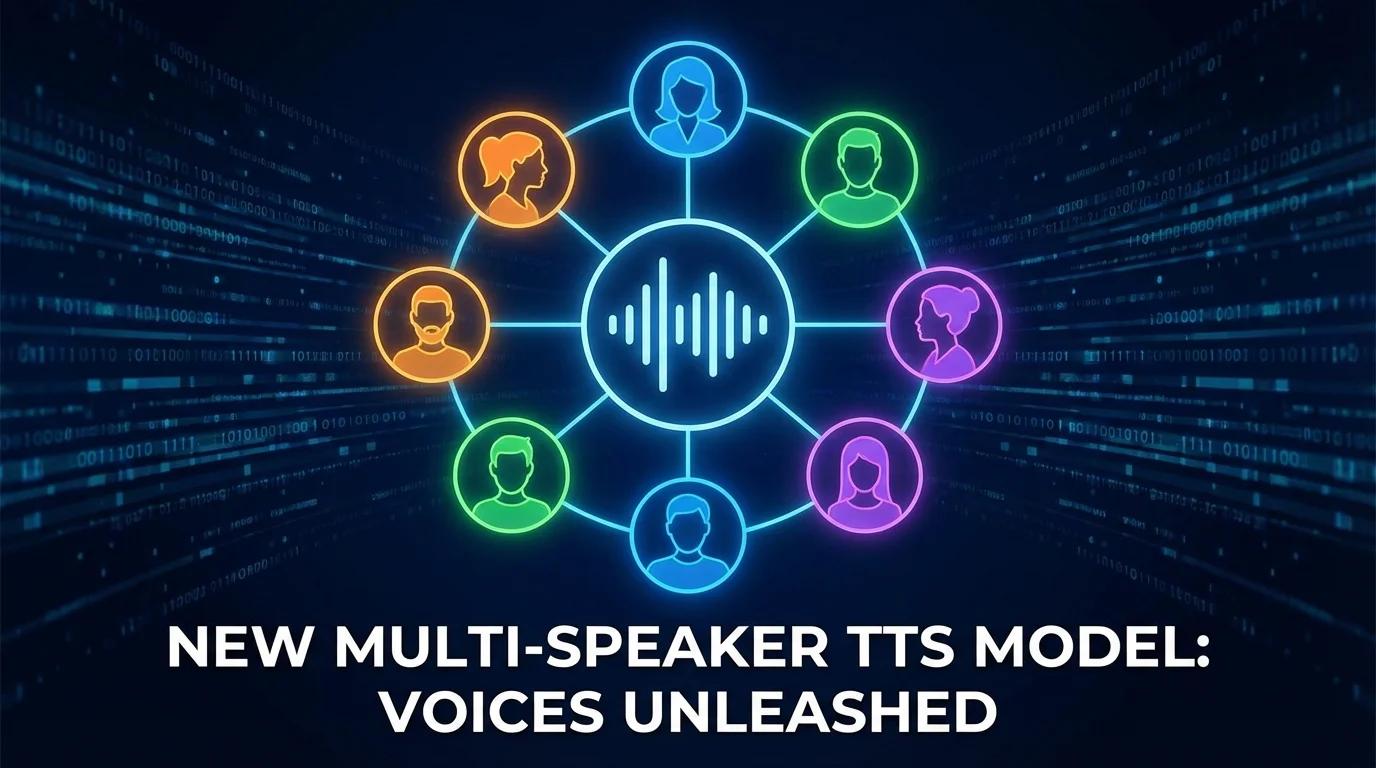
This is where G v1 really shines. Assign different voices to different speakers and generate a natural-sounding conversation in a single pass — no stitching separate audio clips together. The model maintains consistent character voices throughout and handles turn-taking naturally.
Simply format your text with speaker labels:
- Speaker 1: Welcome to today's episode!
- Speaker 2: Thanks for having me. Let's dive in.
- Speaker 1: So tell us about your latest project...
Each speaker is voiced by the voice you assign, and the model produces a single cohesive audio file with natural dialogue flow.
Speaking Instructions
Control how the voice sounds using plain English. Instead of tweaking sliders and parameters, just describe what you want:
- "Read in a warm, conversational tone"
- "Speak with enthusiasm and energy"
- "Deliver this like a news anchor"
Not sure what to write? Hit the AI generate button and let the system suggest a speaking instruction based on your content.
How to Use It
- Switch to G v1 — Click the G v1 button in the provider toggle (next to AZ v1) in the right panel.
- Choose your mode — Select Single Speaker for narration or Multi Speaker for dialogue.
- Pick a voice — Browse the voice panel, search by name or style, and select the voice that fits your content. In multi-speaker mode, pick a voice for each speaker.
- Add a speaking instruction (optional) — Describe the tone, pace, or style you want.
- Generate — Hit the generate button and your audio will be ready in seconds.
What You Can Build
- Podcasts and talk shows — Use multi-speaker mode to generate host-and-guest conversations with distinct, consistent voices.
- Audiobooks and stories — Narrate long-form content with natural pacing and emotional delivery that adapts to the material.
- E-learning and tutorials — Create engaging instructional audio with clear, well-paced delivery.
- Marketing and ads — Generate professional voiceovers with the exact tone and energy you need.
- Accessibility content — Convert written content to natural-sounding audio for visually impaired users.
Pricing
G v1 uses your existing credit balance at a rate of 2 credits per character. Free accounts include 10,000 monthly credits to get started. Your credits work across both engines, so you can mix and match providers based on what each project needs.
G v1 vs. AZ v1: When to Use Which
Both engines remain fully available. Here's a quick guide:
- Choose G v1 when you need natural-sounding dialogue, expressive narration, or fine-grained tone control through natural language instructions.
- Choose AZ v1 when you need access to 500+ voices, SSML-level control, or coverage across 70+ languages.
Get Started
G v1 is available now for all registered users. Head to simpleTTS.ai Studio, switch to G v1, and hear the difference for yourself. Your existing credits work right away — no additional setup needed.
We can't wait to hear what you create.